Leads & customers
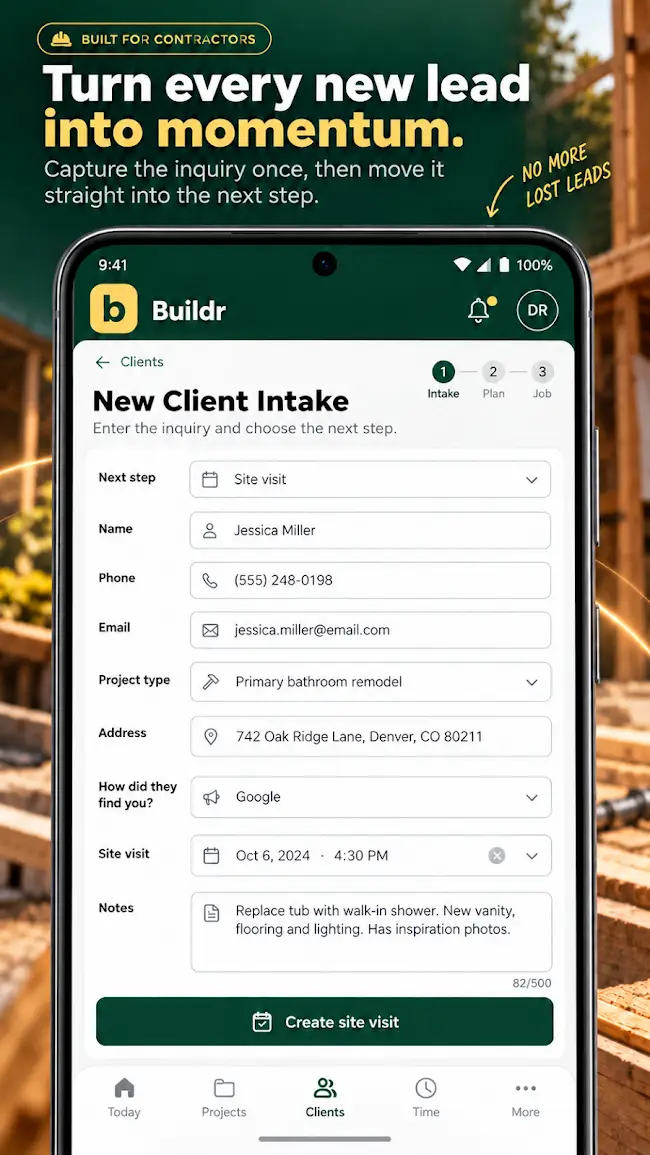
Capture an inquiry, schedule the next step, and keep customer details connected to the job.
 BUILDR
Tell Buildr Assistant what you need and it can save a draft estimate for you to review. Use automatic jobsite time tracking on Android, plan tile cuts with Layout, and manage the job through final payment.
No credit card required for the trial. Buildr is available on web and Android.
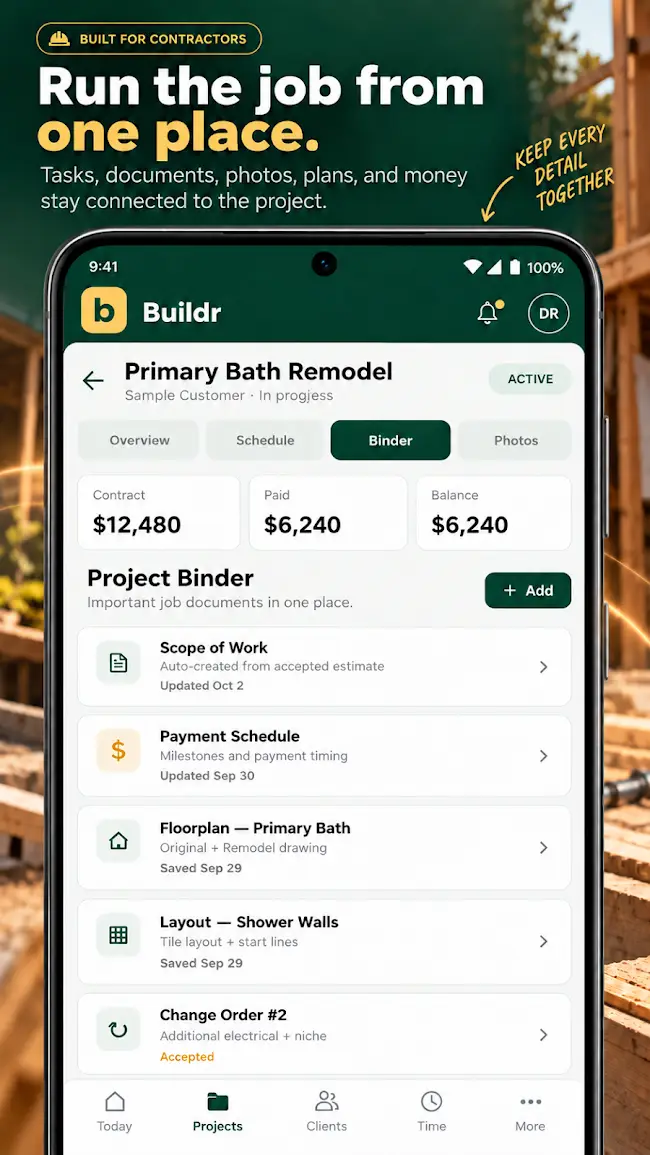
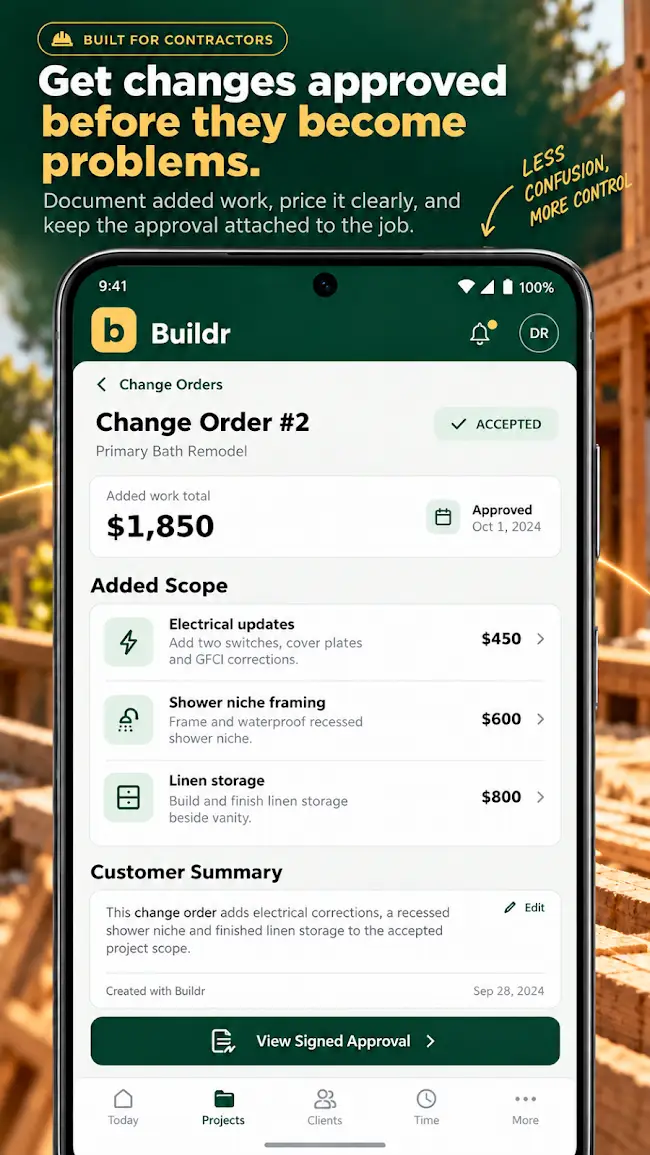
Stop rebuilding the same job in separate apps and spreadsheets. Buildr keeps the information moving forward as the work moves forward.
Capture an inquiry, schedule the next step, and keep customer details connected to the job.
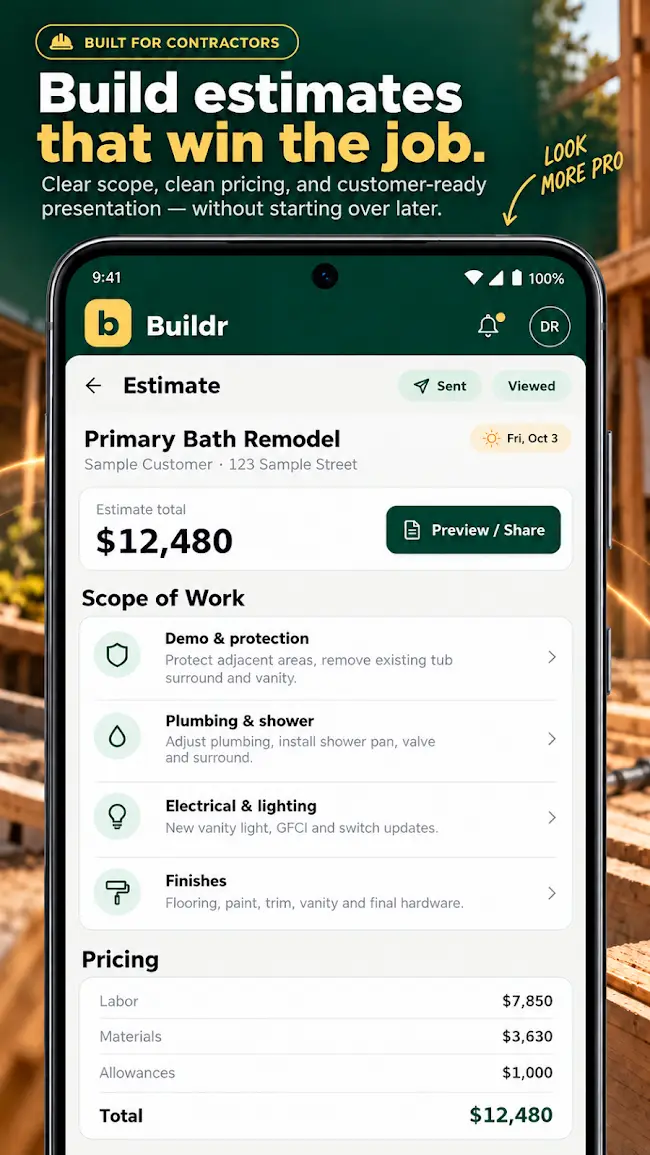
Build detailed, customer-ready estimates with clear scope, labor, material, and other costs.
Keep scope, schedule, tasks, site information, photos, and documents together as the job develops.
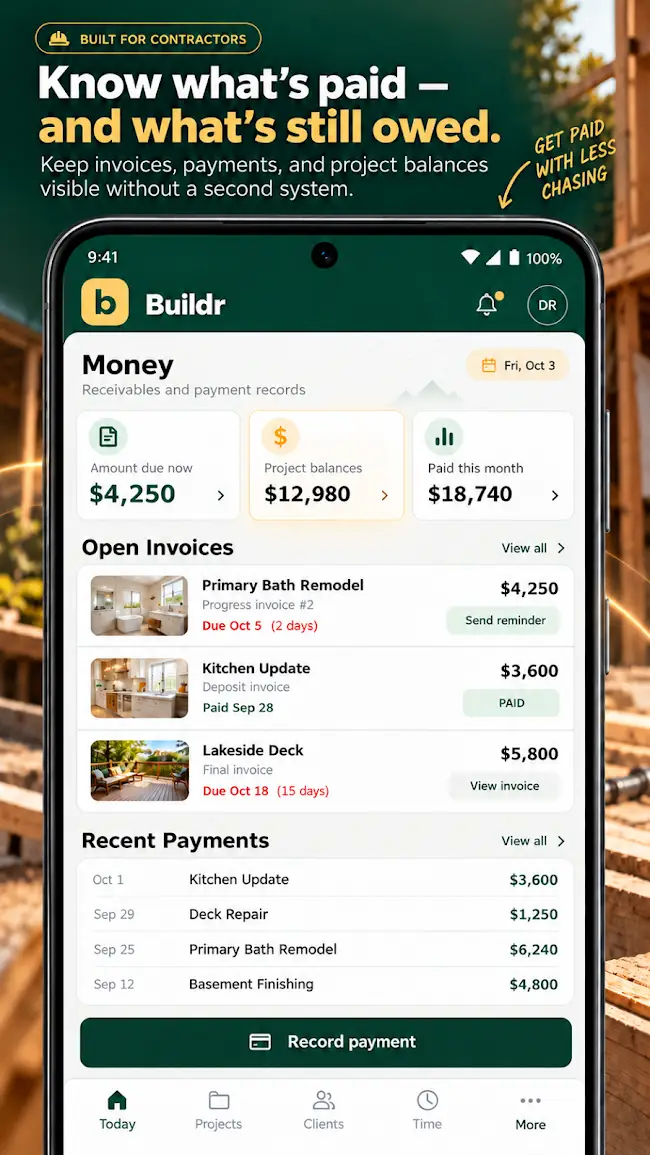
Create invoices, record payments, and see what has been paid and what is still outstanding.
Document added work, price it clearly, and keep approved changes attached to the project.
Draw room plans and test tile layouts before installation, then keep those plans connected to the job.
Buildr is organized around the sequence small contractors already follow—not around a maze of disconnected modules.
Record the inquiry and customer information once.
Organize scope and pricing into a clear customer-ready document.
Carry approved work into tasks, plans, photos, documents, and changes.
Invoice, record payments, and keep job financial progress visible.
Clear information, quick next actions, and the details you need without burying the job under software.
Turn a lead into the next step.
Keep the whole job together.
Price and approve changes.
Know what is paid and owed.
“Software should fit the way the work happens—not force contractors to work around the software.”Ransom Dean · Founder of Buildr and owner of Ironwood Remodeling
Buildr was created by the owner of Ironwood Remodeling in Arkansas, drawing on approximately 20 years of construction experience.
The details matter when you are the one meeting the customer, measuring the room, building the estimate, managing the work, and collecting the final payment. Buildr is shaped by that firsthand reality.
Buildr Floorplan and Layout add practical planning tools to the same connected contractor workflow.

Create a clear room plan and compare existing and remodel options without complex CAD.
Explore Floorplan
Draw the room, test tile patterns, and check start lines, grout, and cuts before opening a box.
Explore LayoutOne membership gives access to the supported Buildr suite features. Choose your plan after the free trial.
For early contractors who want to build with us.
Limited availability. Same supported suite access.
Start Free TrialSimple all-access membership for small contractors.
One price for the supported Buildr suite features.
Start Free TrialBuildr is designed for independent remodelers, handymen, small general contractors, tile and flooring installers, and other residential service contractors who want a practical way to keep work and paperwork connected.
Yes. Buildr is available through the web application and as an Android app on Google Play. Sign in with the same Buildr account.
New accounts receive a 30-day free trial. You can explore Buildr before choosing a paid membership.
They are focused tools within the Buildr family. Floorplan creates room plans and remodeling options; Layout helps test tile positioning, spacing, and cuts. Buildr is designed to keep those planning tools connected to the contractor workflow.
Buildr is purpose-built for small contractors and informed by a working remodeling company. The goal is a direct, connected workflow without claiming to replace every enterprise feature in larger platforms.
Yes. Buildr is independently built and feedback from working contractors matters. Use the contact page or email buildrsuites@gmail.com.
Start your 30-day trial on the web, or install Buildr from Google Play.
Use Buildr in your browser or install the Android app from Google Play.